
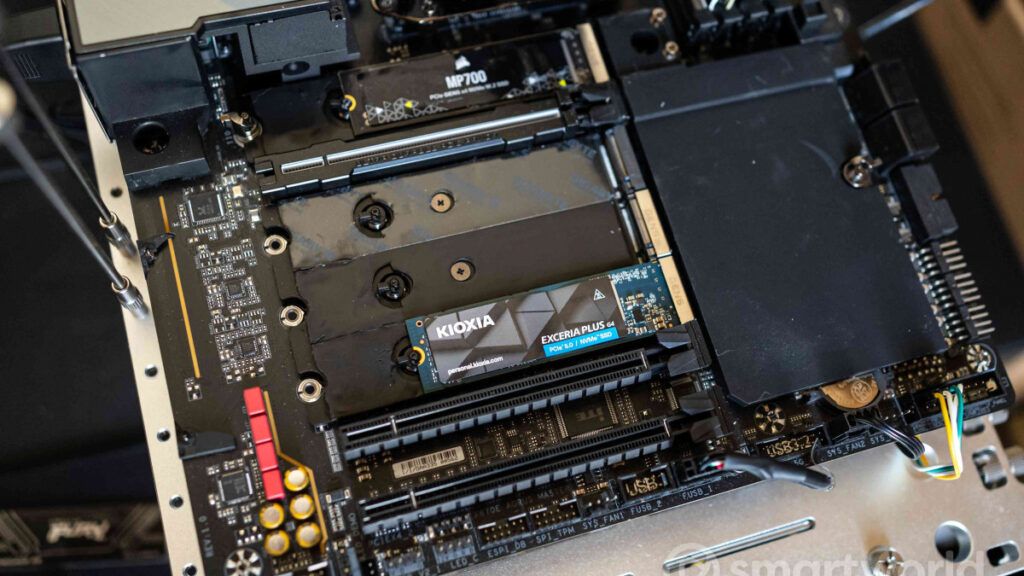
The SSD NVMe can achieve higher than expected performance on Windows 11thanks to a hidden feature that some users have identified in the latest system updates. The modification it is not yet designed for everyday usebut the first tests reveal notable increases in readings and writings random 4Kcrucial for the reactivity of the system.
The discovery attracted a lot of attention because the necessary drivers turn out already included in the systemeven if not active. Enabling is possible via some registry keys system, a procedure not without risks and designed above all for those who know what they are doing.
The current structure of Windows treats most storage drives as devices SCSIa solution that derives from consolidated technical choices when mechanical hard disks dominated the market. NVMe SSDs, which manage a level of parallelism much higher, they thus undergo a passage of translation of the commands it introduces latency e additional CPU usage.
This setting doesn’t just affect Windows 11, but Microsoft’s entire consumer ecosystem. The support Native NVMe it is instead already available as a function that can be activated in Windows Server 2025where the company promises a 45% cut in CPU cycles allocated to storage and increases of up to 80% in IOPS (Input/Output Operations Per Second).
Users who have manually activated the function on Windows 11 describe the first signs of this change in behavior: NVMe SSDs are recognized under the heading Storage Media instead of appearing as normal units in the section Drives.
Shared evidence indicates improvements up to 49% in 4K random writes and more 45% in the readings. Some tests also show shorter access times and more efficient storage management by the CPU.
Users have located the procedure in the system registry, to be performed only on versions Windows 11 25H2 equipped with NVMe drives.
The steps include three keys to create in the given location:
- Type regedit in search and open Registry Editor
- Reach HKEY_LOCAL_MACHINESYSTEMCurrentControlSetPoliciesMicrosoftFeatureManagementOverrides
- Create value DWORD 735209102 and assign 1
- Create value DWORD 1853569164 and assign 1
- Create value DWORD 156965516 and assign 1
- Reboot
However, activation is not without problems. Some management software for SSD, such as Samsung Magician o Western Digital Dashboardstruggle to recognize units or show duplicates. Anomalies have also emerged in the partition displaytypical signals of a function not yet supported on consumer systems.
In tests conducted with the WD Black SN8100one of the fastest SSDs for 4K random operations, loading Final Fantasy XIV it is already about a second faster than other models, but it is only a limited example and not a large-scale index.
With native NVMe support, these benefits may take on greater weight where the CPU represents a bottleneck.
All this highlights one historical difference between operating systems: Linux It has natively handled NVMe for many years and requires no registry intervention or experimental features. In the meantime, Microsoft needs to evaluate compatibility across a wide range of components before making this feature a stable part of Windows 11.
A complexity that is not surprisingconsidering the huge variety of motherboards, controllers and firmware out there. However, the elimination of old SCSI legacies appears increasingly inevitable and necessaryand the move to native support seems only a matter of time.